
Find emails, payment providers and tech stacks as you browse
Open any company website or LinkedIn page. TAMI AI shows work emails and phone numbers for the people there, plus who takes payments and ships orders.
An email finder Chrome extension for any company website
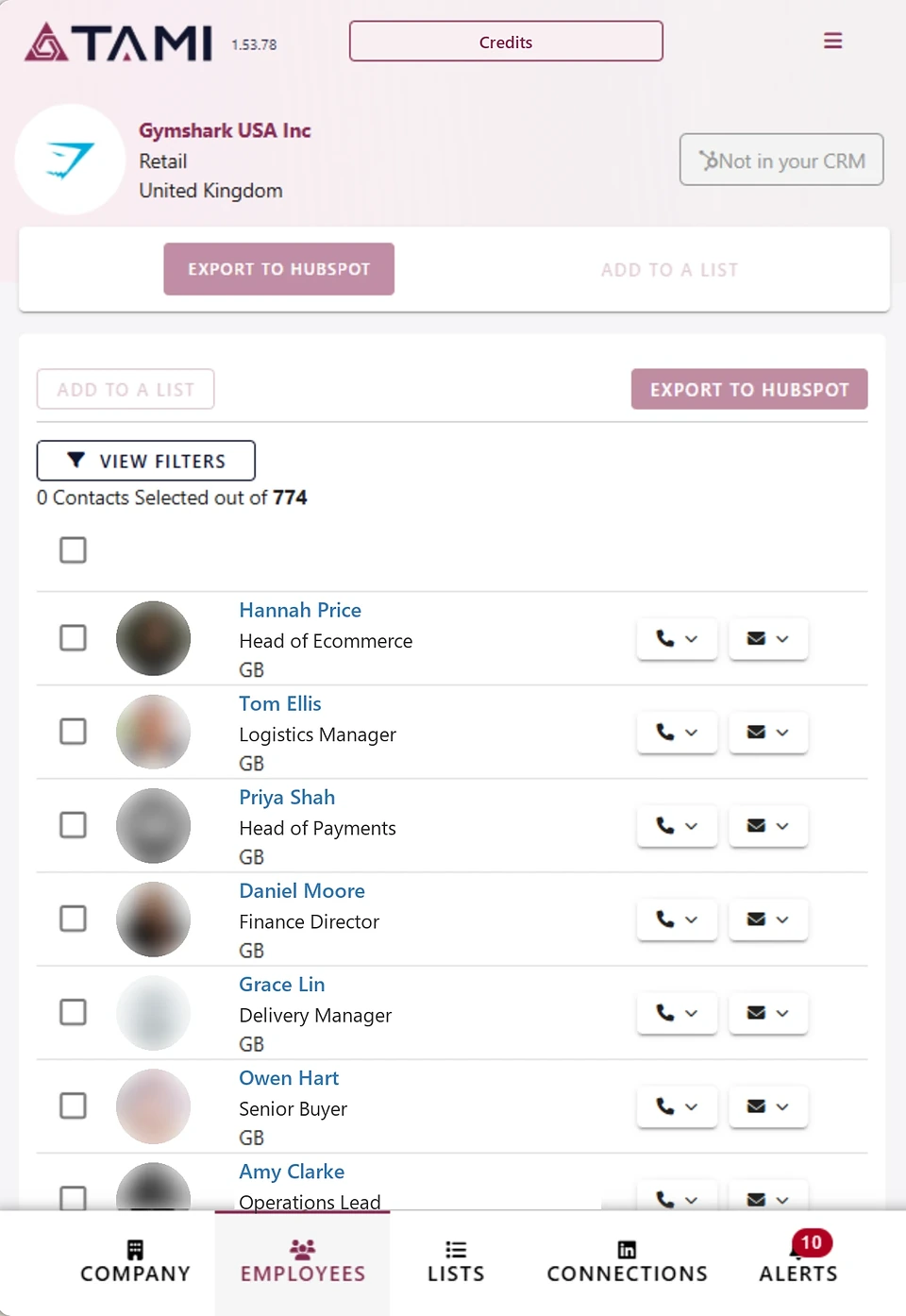
Visit a company’s website and click the TAMI AI icon. You’ll see verified work emails and direct phone numbers for the people who work there. Their job titles show beside them, so you can go straight to the right person.
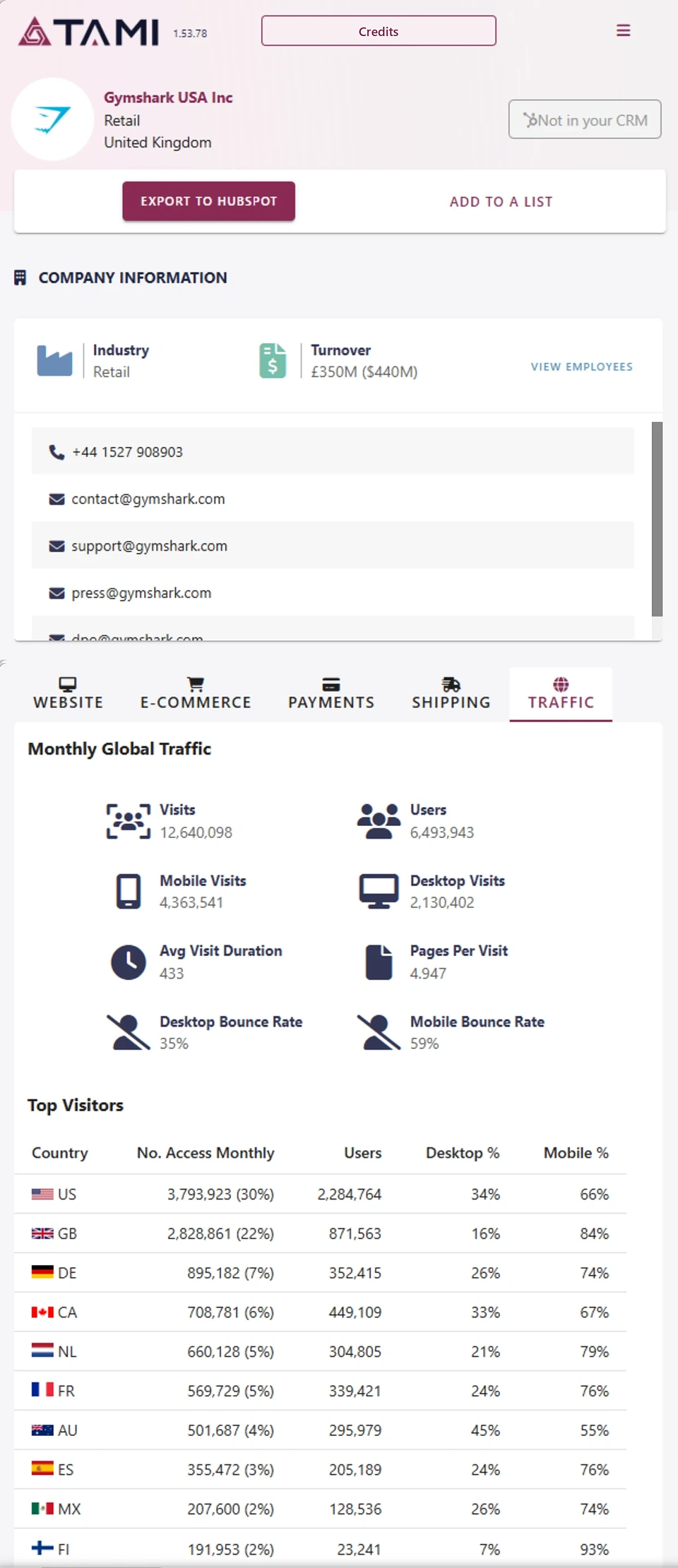
You get the company’s details on the same screen too: industry, size, turnover and website traffic. Use it as a lead generation Chrome extension on every company website you visit.



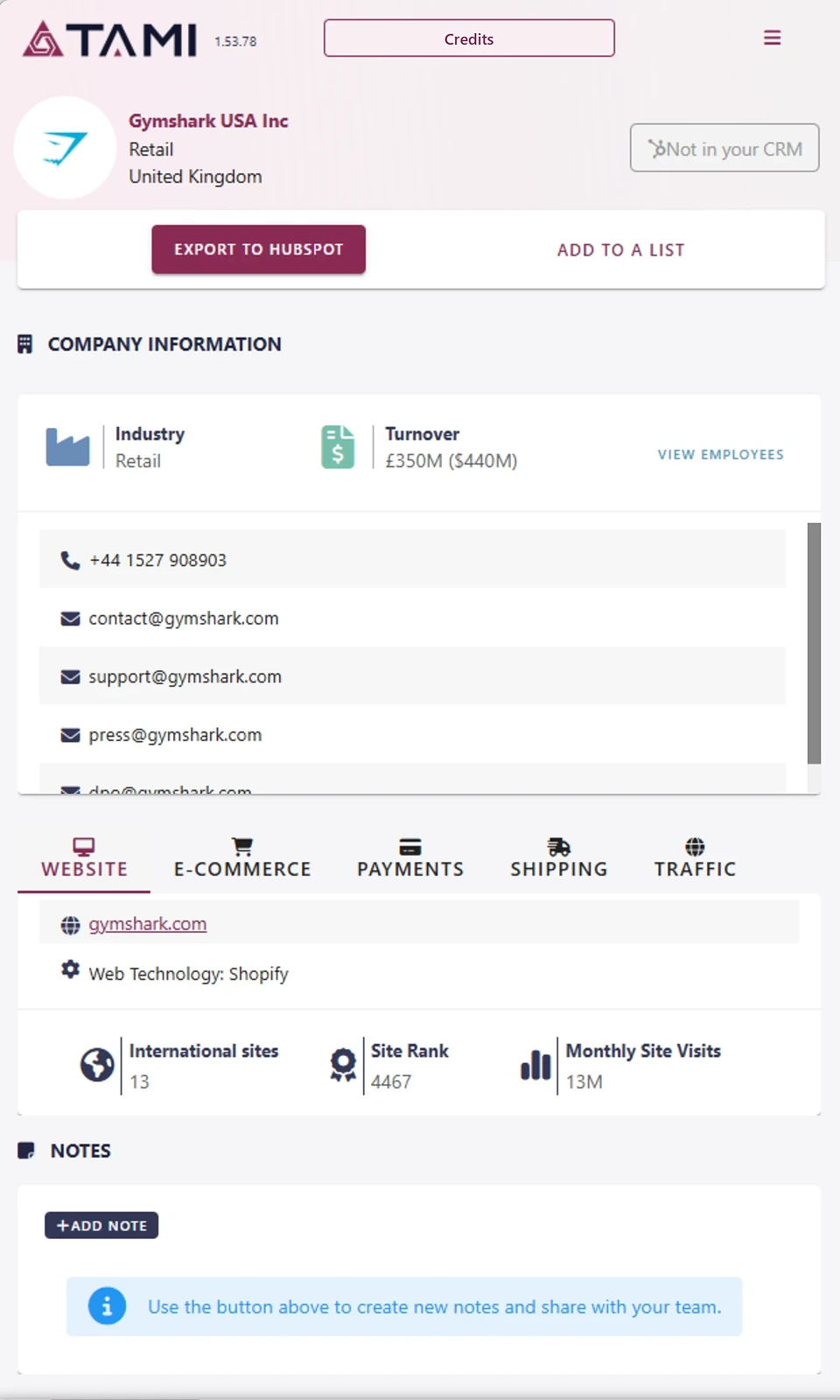
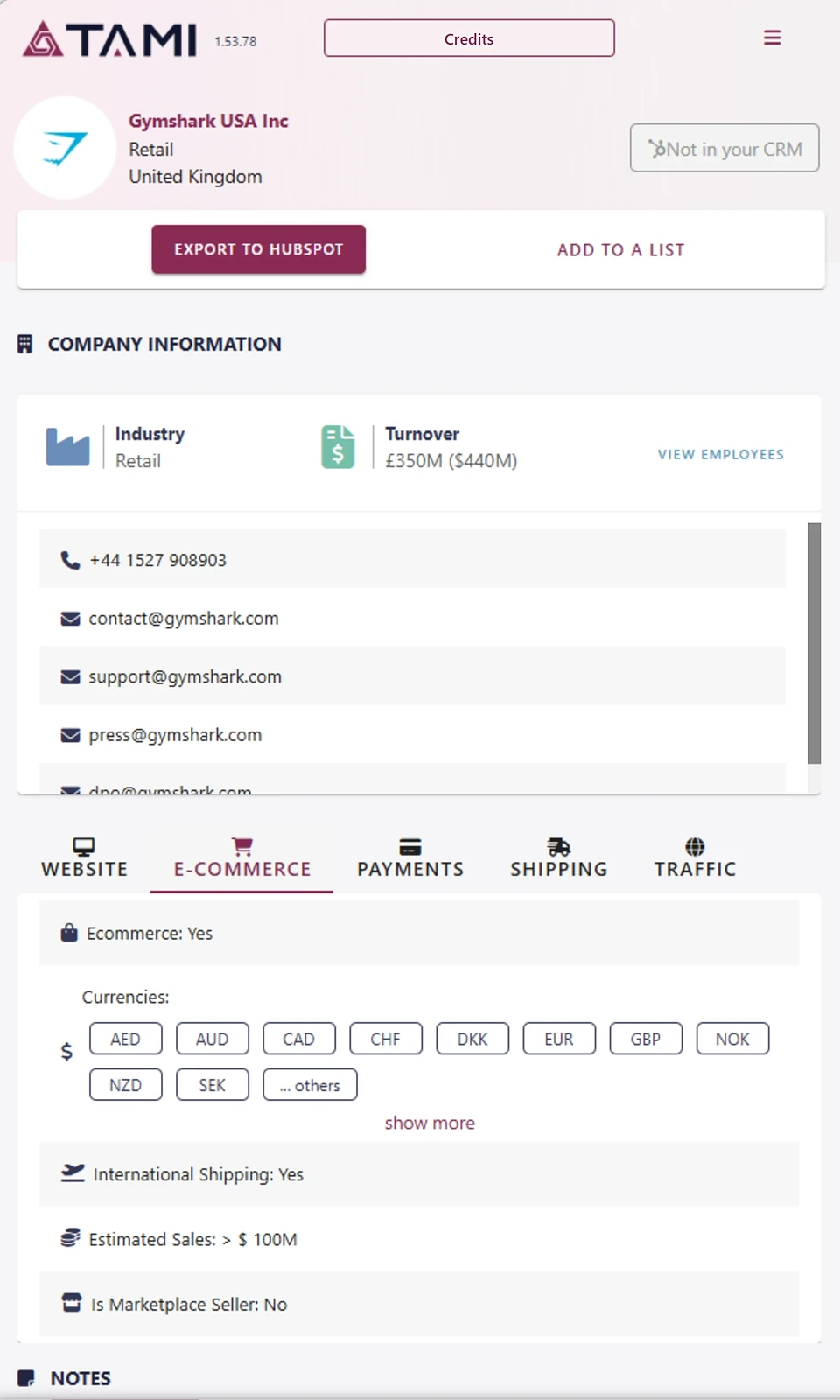
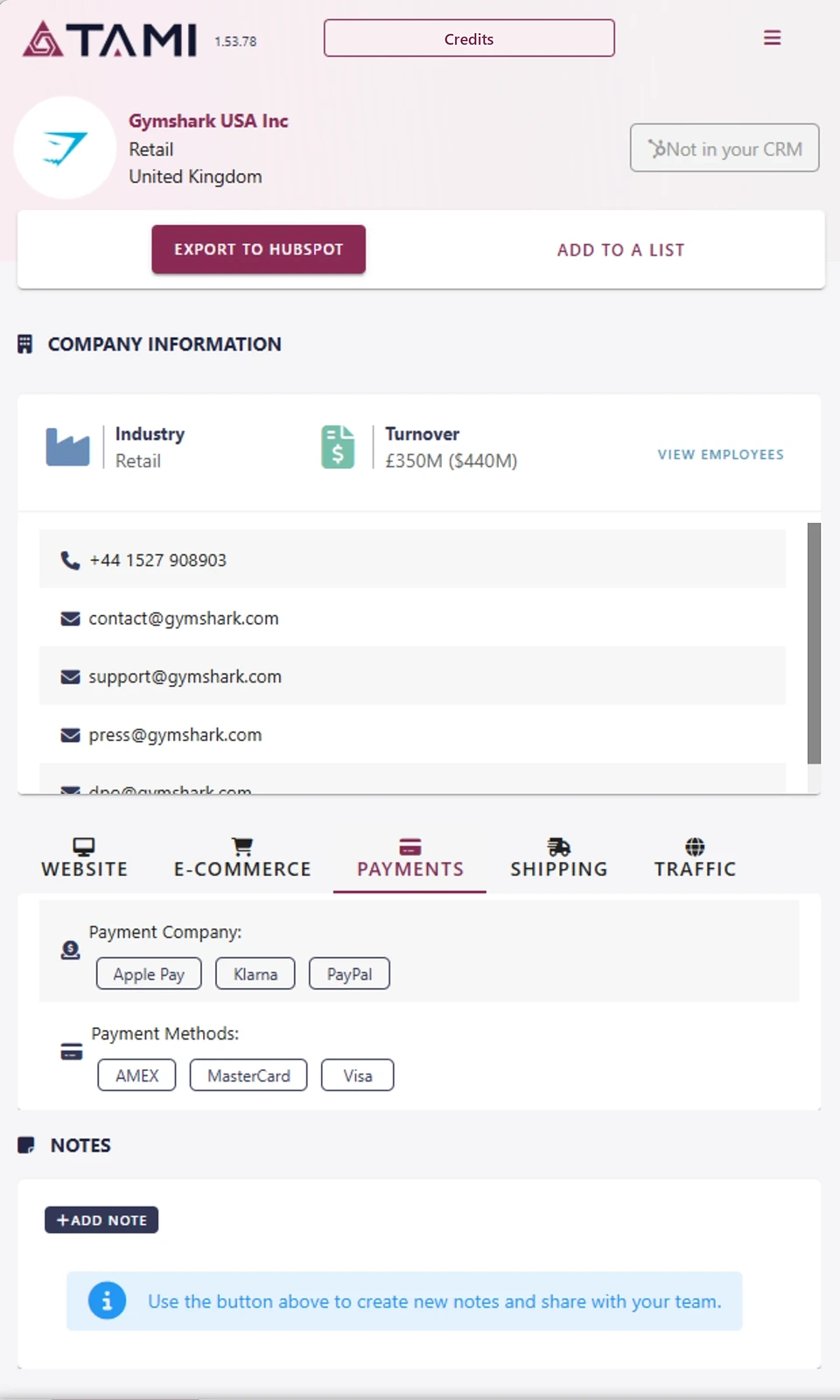
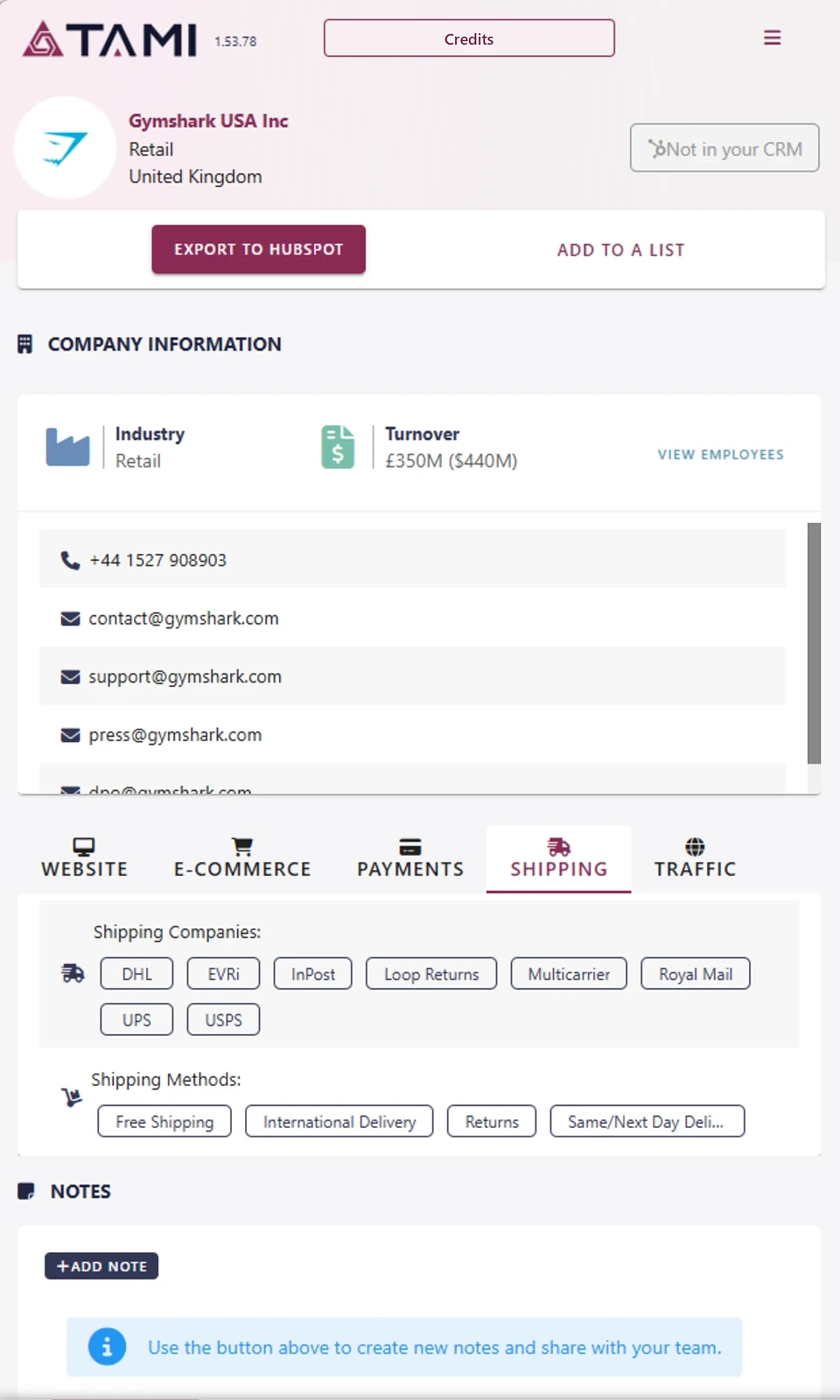

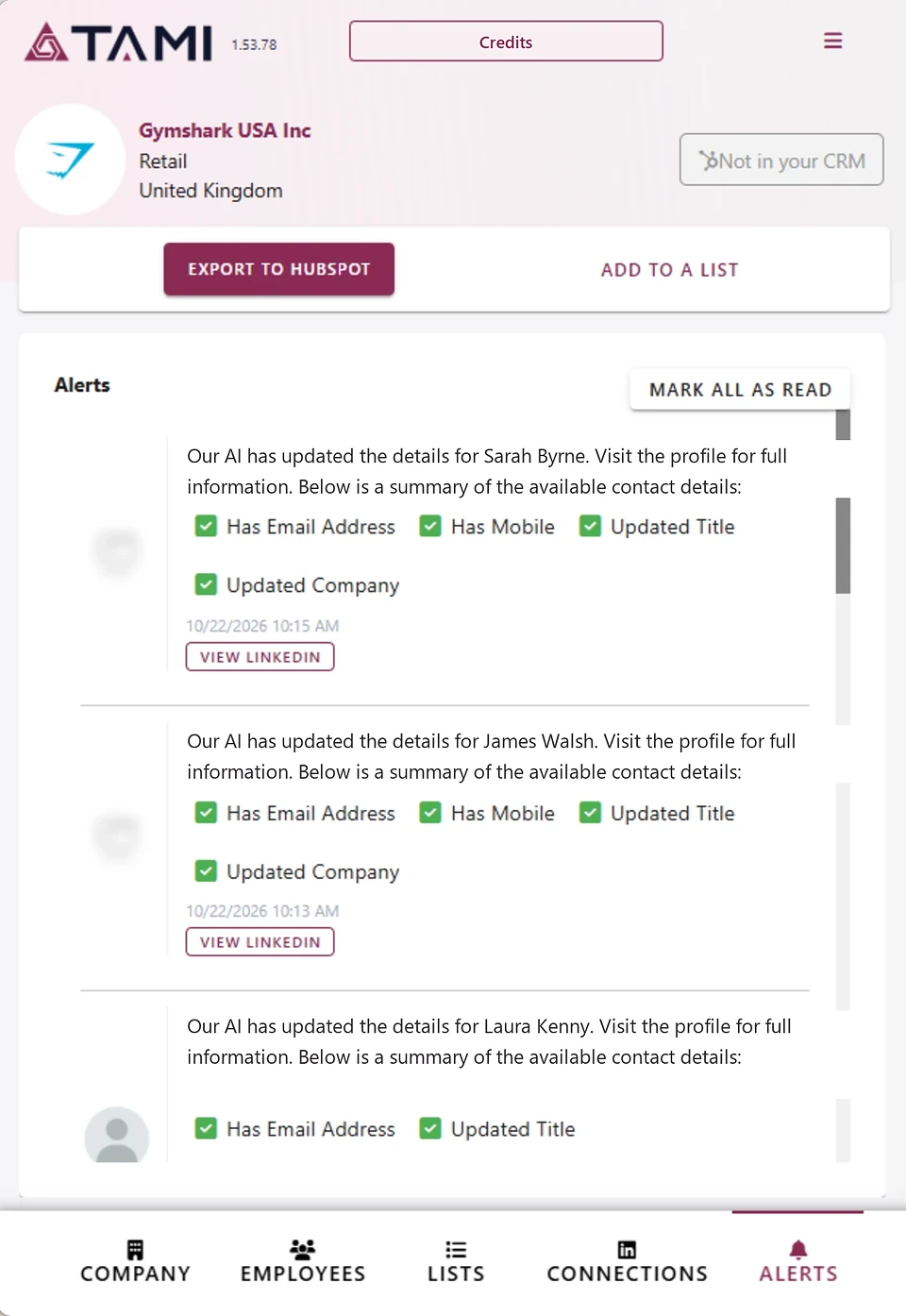
See how a company takes payments and ships orders
TAMI AI reads each company’s website and shows you:
- its payment providers and the cards it accepts
- its shipping carriers and the countries it ships to
- the ecommerce platform its shop runs on
If you sell payments, delivery or anything for online shops, you can tell in seconds whether a company is a good fit, before you get in touch. TAMI AI’s payment detection is patented (EP3289487).
Add to Chrome, it’s free
 Apple Pay
 Google Pay
 Klarna
 PayPalStripe
 KlarnaPayPal Pay in 3Zip
A website technology checker built into your browser
See what any website is built on, from its shop software to its marketing tools, without leaving the page. TAMI AI shows the people and the technology on the same screen, so one extension is your B2B contact finder and your tech checker.
What a website is built on
The shop software behind a website, shown without leaving the page.
The tools it uses
From analytics to marketing tools, next to the company’s contacts.
A LinkedIn email finder Chrome extension too
Open a company page or a person’s profile on LinkedIn and TAMI AI matches it to the company’s data. You’ll get the person’s work email and phone number on the spot.

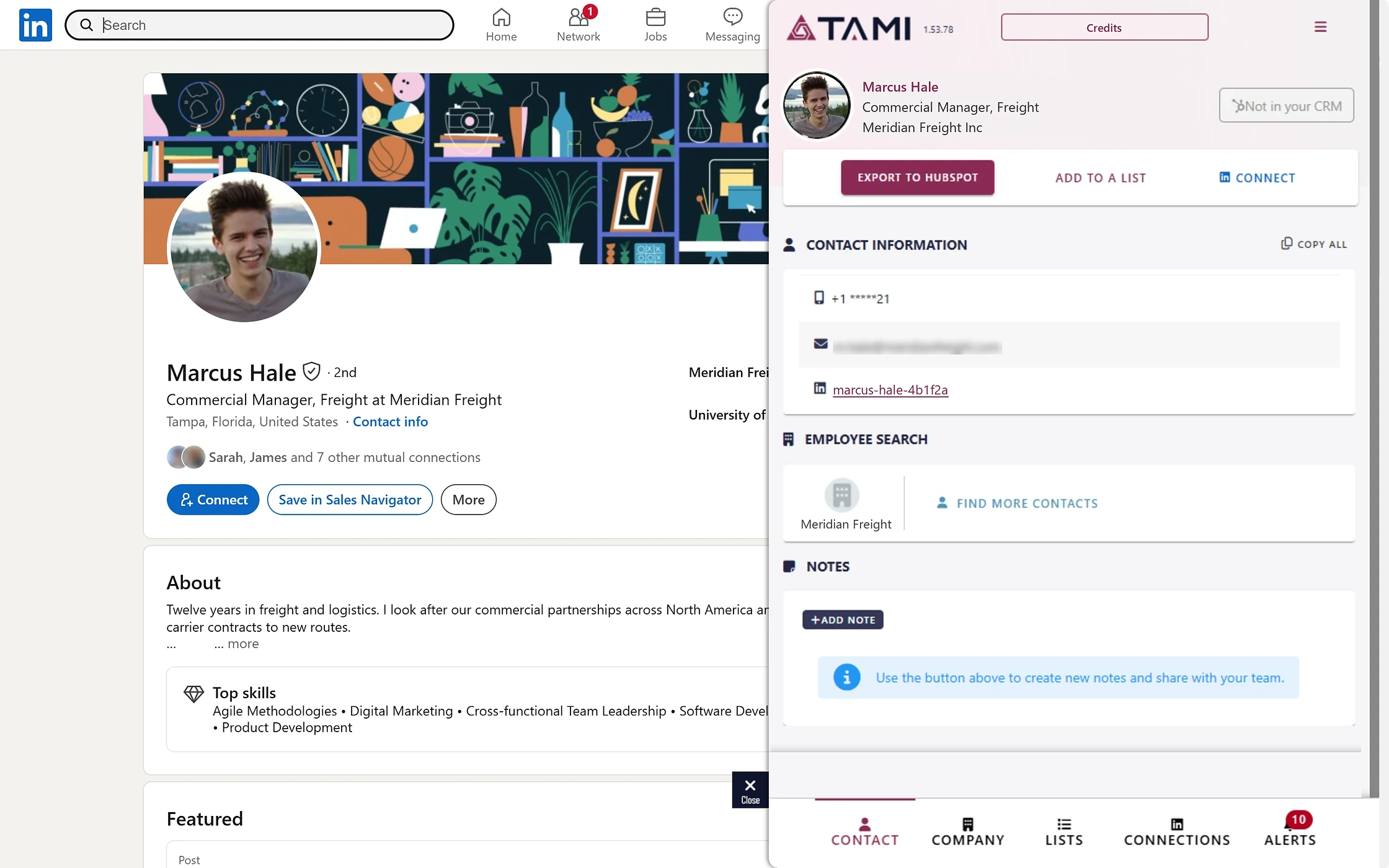
Send companies and contacts to your CRM
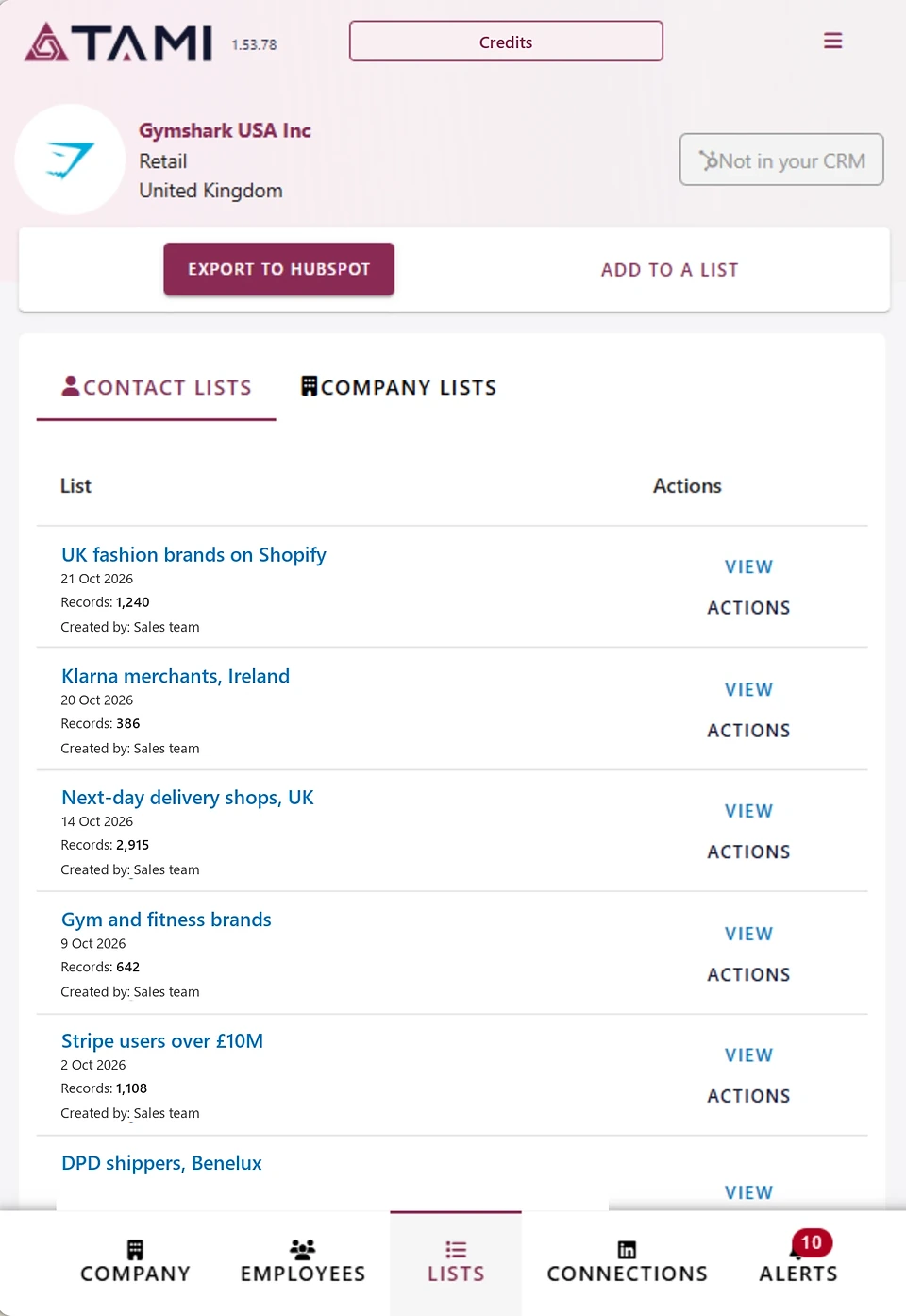
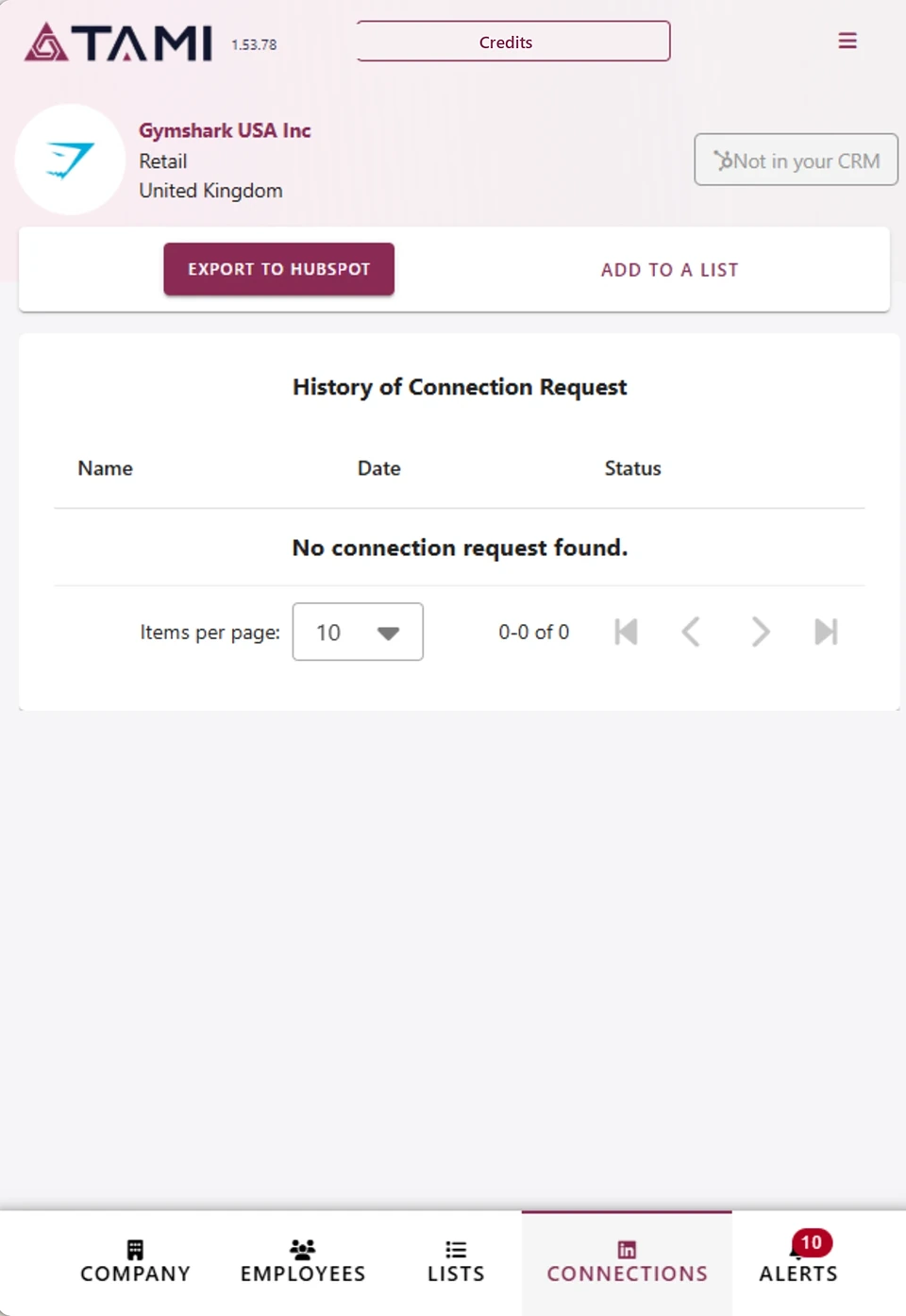
Send the company and its people to your CRM, including HubSpot and Salesforce. On a different CRM? Talk to us and we’ll show you how it connects.





 Pardot



Free to install, pay only for what you unlock
Start with a free account and choose a plan when you’re ready. See pricing
What’s free
The extension is free. Looking up a company, including its payments, shipping and technology, costs nothing.
What uses credits
Seeing a work email uses 1 export credit and a mobile number uses 1 mobile credit. Sending a contact you’ve already unlocked to your CRM costs nothing extra.
Your data and privacy
Where the data comes from
TAMI AI reads publicly accessible company websites. Business contact details come from public sources and licensed data providers.
GDPR compliant and ISO 27001 certified
How to install it in 3 steps
-
01ADD
Add to Chrome
Click Add to Chrome and confirm. Using Edge? Use the same button, then choose “Allow extensions from other stores” when Edge asks.
-
02PIN
Pin the icon
Pin the TAMI AI icon to your toolbar.
-
03

Sign in and open a website
Sign in or create a free account. Then open any company website or LinkedIn page and click the icon.
Frequently asked questions
Is there a Chrome extension that shows verified work emails while I browse?
Yes. The TAMI AI Chrome extension shows verified work emails and direct phone numbers on any company website or LinkedIn page. Click the icon and they appear beside the page.
Can it show a company’s payment provider, shipping carrier and tech stack?
Yes. It shows a company’s payment providers, the cards it accepts, its shipping carriers, the countries it ships to and its ecommerce platform and technology, all on one screen.
Is it a free email finder Chrome extension?
Free to install. The TAMI AI email finder extension also looks up companies for free. You need a free account to sign in. Seeing a work email uses 1 export credit and a mobile number uses 1 mobile credit. Sending a contact you’ve already unlocked to your CRM costs nothing extra.
Does it find mobile numbers?
Yes. You’ll see mobile numbers and direct dials alongside work emails. Each mobile number uses a mobile credit.
Does it work on LinkedIn?
Yes. It works on LinkedIn company pages and profiles, as well as on company websites.
Can I send contacts to HubSpot or Salesforce?
Yes. It connects to your CRM, including HubSpot and Salesforce. On another CRM? Talk to us and we’ll show you how it fits.
How can I see what technology a website is using?
Open the website, click the TAMI AI icon and you’ll see its ecommerce platform and the technology it runs on, together with the company’s contacts.
Is it GDPR compliant?
Yes. TAMI AI is GDPR compliant and ISO 27001 certified, and every European contact carries an opt-out flag.
Which countries does the data cover?
Companies all over the world. TAMI AI tracks 71 million active websites worldwide, so it works wherever your customers are.
Is the data up to date?
Yes. TAMI AI reads company websites to build its data. If you open a company we don’t have yet, looking it up starts a fresh read of its website, and you’ll get a notification within a few minutes when it’s ready.
Which browsers does it work in?
Chrome and Microsoft Edge. Install it from the Chrome Web Store in either browser.
Does the extension store my browsing data?
No. The extension doesn’t store or cache data in your browser. Everything comes securely from TAMI AI as you go.
See how your next customer sells before you call
Add TAMI AI to Chrome and see who a company pays, who ships for it and who to talk to. It works with the full TAMI AI B2B prospecting tool.